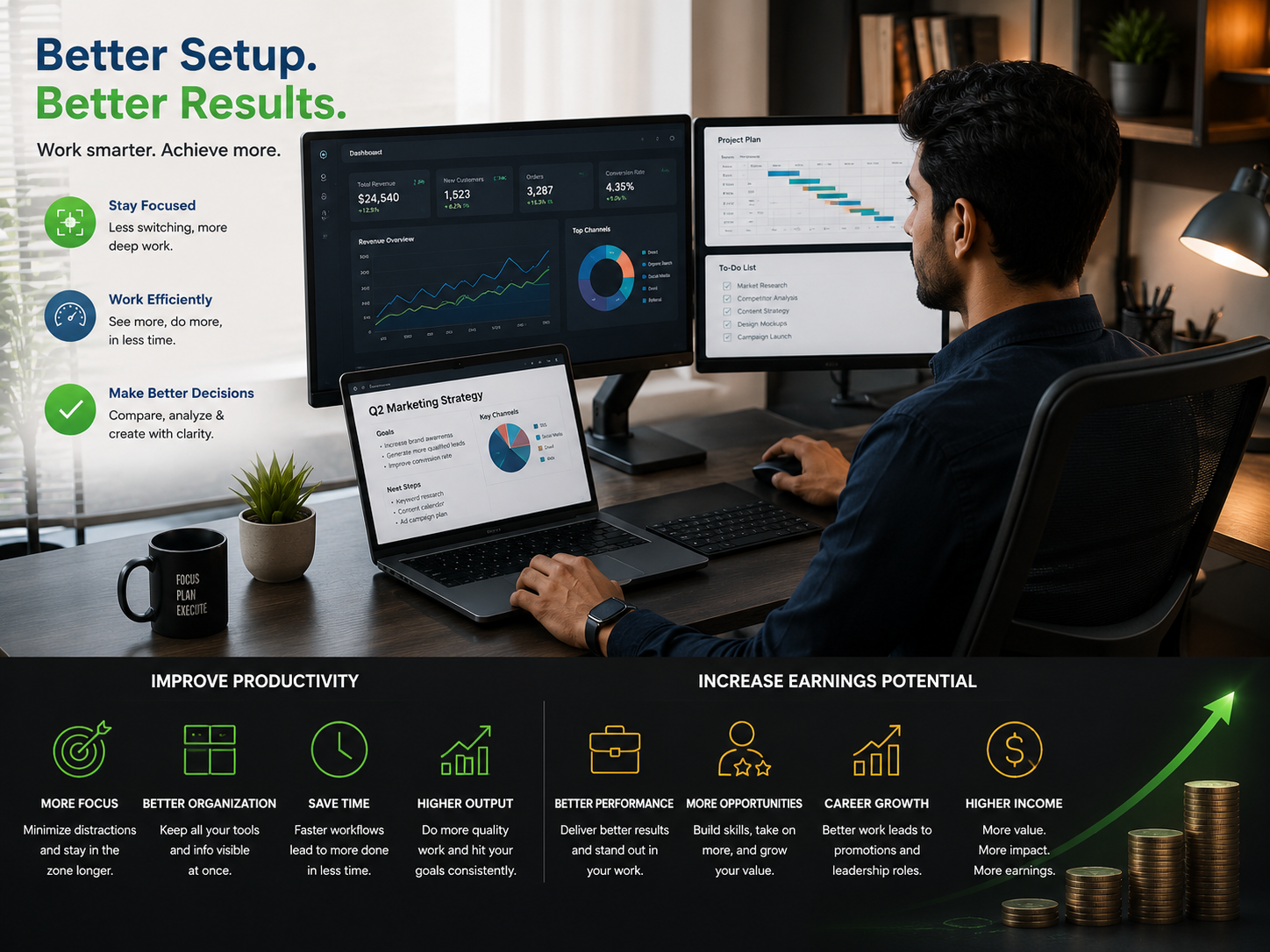
Working remotely gives you more flexibility, but flexibility does not automatically equal productivity. Your work setup can directly impact how long it takes you to complete tasks, communicate with clients, and juggle multiple responsibilities at once.
A better work setup reduces friction. Faster workflows allow freelancers to handle more projects, remote employees to work more efficiently, and business owners to spend more time on high-value activities. Ergonomic accessories and a portable monitor can make the difference between an adequate workspace and a more productive one.
A Better Work Setup for Productivity and Earnings in a Nutshell
A better work setup for productivity and earnings helps you work faster and smarter. That extra time is valuable for remote employees, freelancers, consultants, and business owners. Whether you’re working from home or a coworking space, here are some of the productivity benefits that a more efficient work setup can offer:
- Reduced distractions and interruptions
- Less window and application switching
- Fewer unnecessary movements
- Eliminating physical strain
A more efficient work setup may also create more time for billable work. That makes a potential impact on earnings for self-employed and salaried remote professionals. Here’s a look at some examples of how that extra time could benefit users in different remote work roles:
| Remote Work Role | Potential Benefit |
| Remote employees | Work more in the same time |
| Freelancers and consultants | Complete more projects |
| Software developers | Finish features or debug more code |
| Designers and video editors | Finish more visual work |
| Digital marketers | Execute more campaigns |
| Financial analysts | Prepare more reports |
| Online business owners | Focus more time on sales, strategy, and customer acquisition |
Why Does a Better Work Setup Improve Productivity?
A better work setup for productivity and earnings removes distractions, unnecessary motions, window switching, and physical strain. It may also create more time for billable work. When information, tools, and materials are easily accessible, workers can focus more on value-adding tasks and less on overcoming obstacles.
Suppose you work on a single laptop screen. In that case, you may constantly switch between a browser, spreadsheet, email, video meeting, and project management platform. A portable monitor or second display can keep those applications open at the same time.
Remote employees, freelancers, consultants, software developers, designers and video editors, digital marketers, financial analysts, and online business owners may all benefit from more efficient workflows. That said, a more productive setup does not make someone productive. Instead, it can remove friction that slows productive individuals and teams down.
Workspace and Earnings Are Connected
Remote workers may often link workspace with time and earning potential. Freelancers can usually earn more by taking on more work. Consultants may have more capacity to serve additional clients when they have more time. Online business owners can invest more time in sales, strategy, and customer acquisition.
Let’s assume a freelancer is able to save 30 minutes every workday by working in a more efficient setup. In a month with 20 working days, that adds up to just over 10 hours. The extra time can translate into higher earnings or give a worker more flexibility with other tasks, like training or project management.
| Daily Time Saved | Monthly Time Saved* | Potential Benefit |
| 15 minutes | 5 hours | More time for administrative tasks |
| 30 minutes | 10 hours | Capacity for more client work |
| 45 minutes | 15 hours | More time for projects or learning |
| 60 minutes | 20 hours | Significant capacity for more work |
The table above gives an example of how saved time may add up over the course of a month. It does not necessarily translate directly into earnings. However, if that extra time is used for billable work, sales, upskilling, or business growth, a more efficient setup could increase earning potential.
Single-Screen vs Multi-Screen Workflows
A laptop is sufficient for many people to do basic tasks like answering email or writing documents. However, some workflows can require multiple applications at once. Using two or more screens can give workers a larger digital workspace without necessarily needing a full desktop setup.
| Work Task | Single-Screen Setup | Multi-Screen Setup |
| Research and writing | Constant tab switching | Research materials and document open together |
| Video meetings | Limited space for notes | Video meeting and notes on separate screens |
| Coding | Frequent switching between tools | Code and documentation side by side |
| Data analysis | Window switching | Spreadsheet and reference data visible at the same time |
| Content creation | Crowded workspace | Expanded workspace for tools and previews |
A portable or secondary monitor may be especially useful for remote workers who shift between their home office, coworking space, a client location, or another place.
Brands like UPERFECT offer extra display options that are designed with mobile or multi-screen workflows in mind. The goal is not simply more screens but to create a work setup that is a better fit for the way you work.
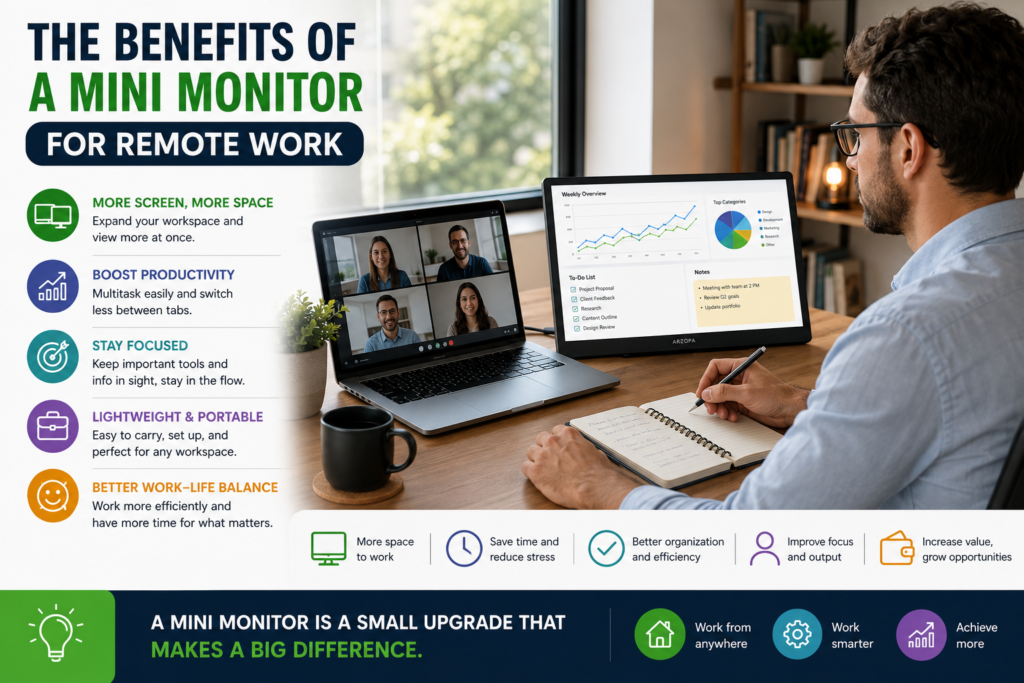
The Benefits of a Mini Monitor for Remote Work
Mini monitor can add extra screen space for remote workers without taking up a lot of desk space. They can be used for secondary applications like email, messaging, analytics, media controls, reference material, or system monitoring.
If workers have limited space, a secondary display can also help them keep the main screen focused on the primary work task.
Common uses for a secondary screen or monitor include:
- Keeping communication tools open
- Monitoring dashboards or analytics
- Displaying notes and reference material
- Managing media or browser controls
- Viewing a task list while working
- Supporting smaller travel setups
The best screen arrangement for a workspace depends on the user’s workflow. For instance, a designer might prioritize a large main display while a marketer might want to keep analytics or campaign dashboards open all the time.
Ergonomics Should Be Considered Too
Speed is not the only productivity factor to consider. A workspace setup that causes physical discomfort can make long work sessions more challenging.
Other important elements of a productive remote work setup include:
Screen position: The main display should be at a comfortable height and distance for viewing.
Desk and chair height: The setup should support good posture for longer work sessions.
Lighting: Glare and insufficient lighting can make screen work more uncomfortable.
Keyboard and mouse position: Equipment used frequently should be placed within easy reach.
Cable management: Clutter can make a workspace more visually distracting and equipment harder to access.
Small changes can improve workspace comfort and make it easier to use.
Workplace Reality Beats Wishlists
Investing in more gear is not always the best solution. The most effective work setup for each individual is the one that is most compatible with how they work on a day-to-day basis.
Before upgrading, you should consider questions like:
- Which work tasks take up the most time?
- How often do I need to switch between apps?
- Do I work in one place or frequently travel and work from new locations?
- Which tools or steps cause unnecessary delays in my workflow?
- Would additional screen space make it easier for me to work?
A person who spends most of their time writing in a single app may not need multiple screens. However, a professional who compares documents, communicates with clients, and has to keep track of dashboards throughout the day might gain significant benefits from a second display.
Productivity Gains Compound
Saving a few seconds on one task can feel unimportant. Over the course of hundreds of repetitions, however, small workflow gains can add up.
A better remote work setup may help cut down on:
- Window and application switching
- Searching for open apps
- Workspace clutter
- Unnecessary distractions
- Friction when moving between tasks
The end result can be a smoother workflow that allows for more focus and sustained effort. Improved efficiency can also have a more direct impact on earnings, especially if extra time is spent on clients, projects, skills, or business growth.
Remote Work Setup for Productivity and Earnings: FAQs
Does a better work setup increase earnings?
Yes, by improving efficiency and creating more time that can be reinvested in billable work, client relationships, sales, or business development. However, it will not automatically result in a higher income.
Is a second monitor useful for remote workers?
Yes, especially for multi-app workflows. A second screen can make it easier for users to keep reference materials, communication tools, or supporting apps visible while they work on a primary task.
Is a portable monitor better than a desktop monitor?
It depends on the user’s workspace setup. A desktop monitor might be preferable for a permanent home office, while a portable display can be more suitable for people who frequently travel or work from different locations.
Who could benefit from a mini monitor?
Remote workers, streamers, software developers, digital marketers, and users who need a compact second screen for dashboards, messages, notes, or other supporting material.
What is the most valuable work setup upgrade for remote workers?
There is no one-size-fits-all upgrade that works for every user. The most valuable productivity upgrade is the one that removes the most significant bottleneck in your specific workflow.
Final Thoughts
The best work setup is not about filling a desk with costly equipment. It is about creating a physical and digital environment that supports focused, efficient, and comfortable work.
For some remote workers, this may include ergonomics. For others, it could include a portable monitor or mini monitor for avoiding constant window switching. The right equipment can help you save time, streamline workflows, and create more space for work that adds value.
Over time, that efficiency gain can help support better performance and could potentially boost earnings. However, the most important factor is how you invest that saved time. If it is put to good use for clients, projects, upskilling, or business growth, a better work setup for productivity and earnings can make a real difference.
MetaTrader 4 TradingSphere is a dedicated resource for traders who use or want to learn about the MetaTrader 4 (MT4) platform. It covers essential topics such as forex trading, technical analysis, trading indicators, Expert Advisors (EAs), charting tools, order management, and risk control. The goal is to make MT4 easier to understand by providing practical information for both beginners and experienced traders looking to improve their trading knowledge and platform skills.